Edge visual AI security marketing

Protect people.
Understand audiences.

GoldenAI connects safety, operational intelligence, and audience insight at the edge — helping teams see what matters across the places they build, run, and share.

Scroll to explore
01SecurityPeople & places
02OperationsUseful context
03AudiencesFlow & attention
04MarketingMedia opportunities

One platform two connected paths

Security and marketing,
connected by intelligence.

GoldenAI turns camera and display infrastructure into useful signals for security teams, operators, and marketers. Each deployment is configured around the environment, the data uses, and the workflows that matter.

A shared foundation at the point of action

Process visual information locally where the site needs it, then connect approved signals to the people and systems responsible for the next decision.

Configured for your site

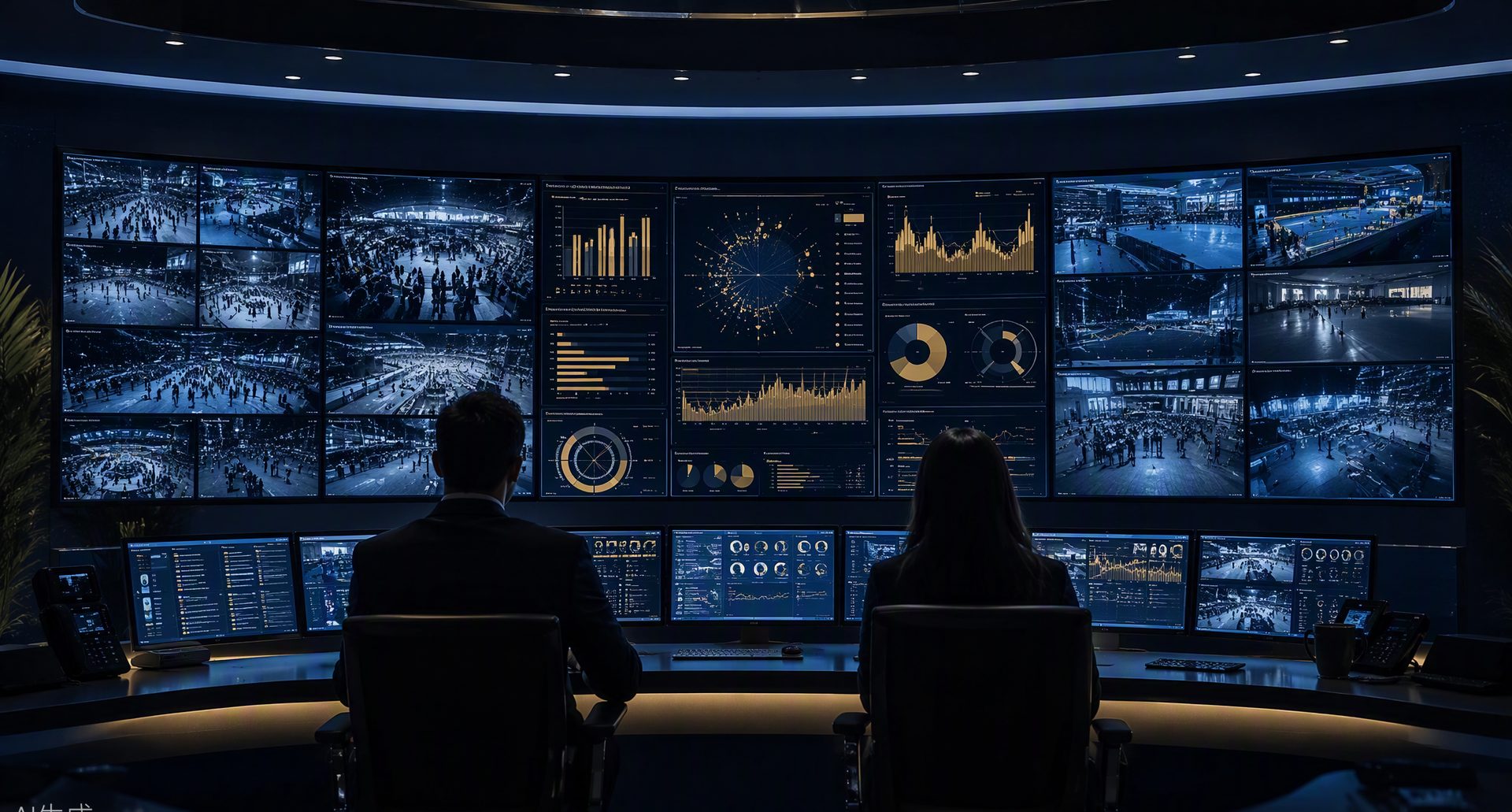
Illustrative operations room with security and venue views
Illustrative operations setting

I / Security & operational intelligence

Protect people. Keep teams in context.

Help security and operations teams identify potential threats, understand activity, and coordinate a response through edge visual AI and relevant site context.

  • Configured perimeter, access, and restricted-zone monitoring
  • Potential threat and unusual-activity alerts
  • Camera evidence and incident-review workflows
  • Compatible access-control and sensor integrations
Explore site security
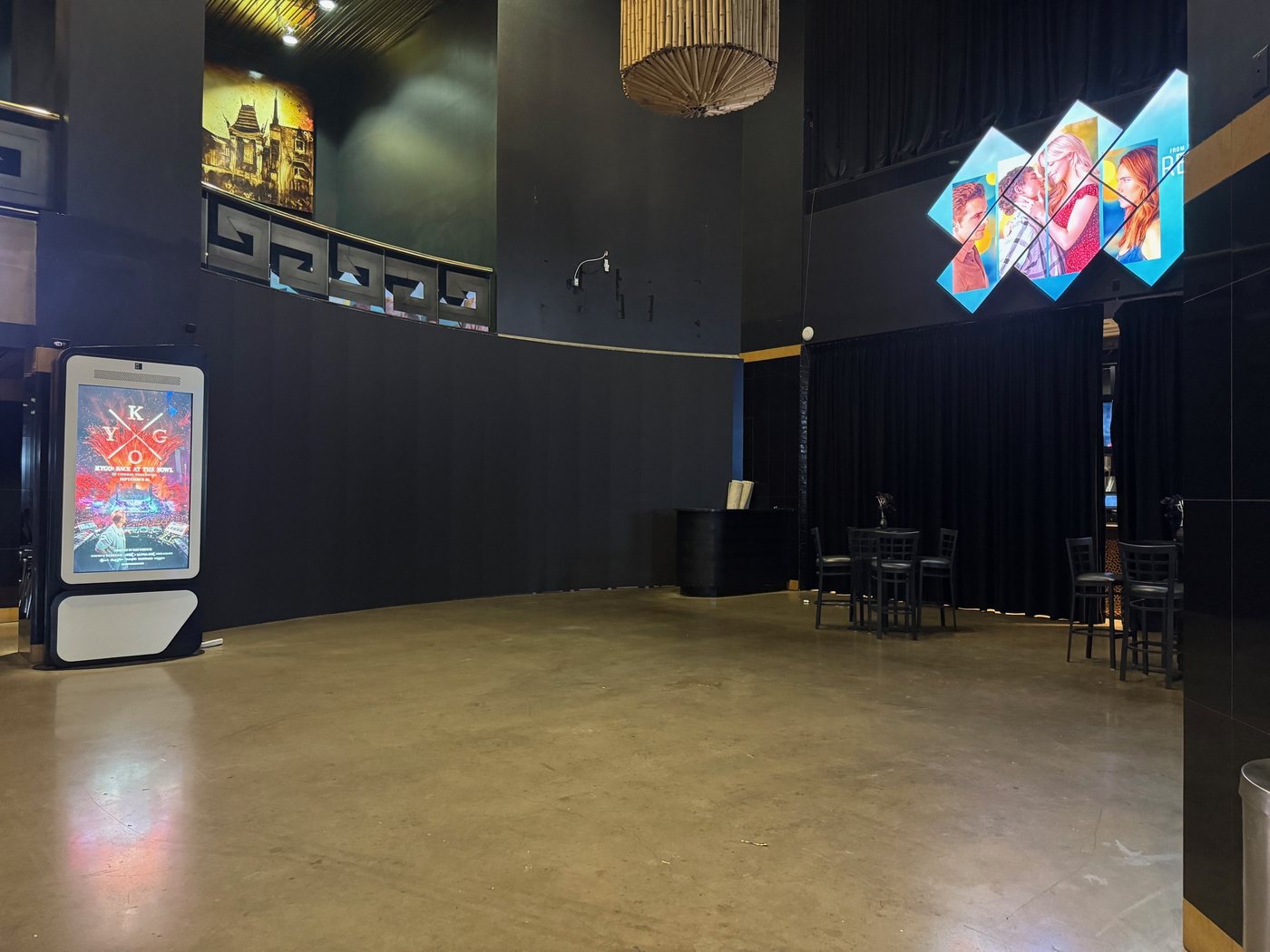
Illustrative bright venue lobby with digital displays
Illustrative audience and display setting

II / Audience & marketing intelligence

Understand how people use a space.

Measure aggregate movement, dwell, queues, and attention to inform operations, improve experiences, and evaluate display and media opportunities.

  • Aggregate audience and visitor-flow measurement
  • Queue, dwell-time, and space-utilization insights
  • Campaign attention and engagement reporting
  • Digital display and programmatic media opportunities
Explore audience intelligence

Audience intelligence & media

Make every space
more informed.

Connect audience measurement with decisions about staffing, visitor experience, campaigns, and display inventory. Build the commercial case around the actual opportunity at your site.

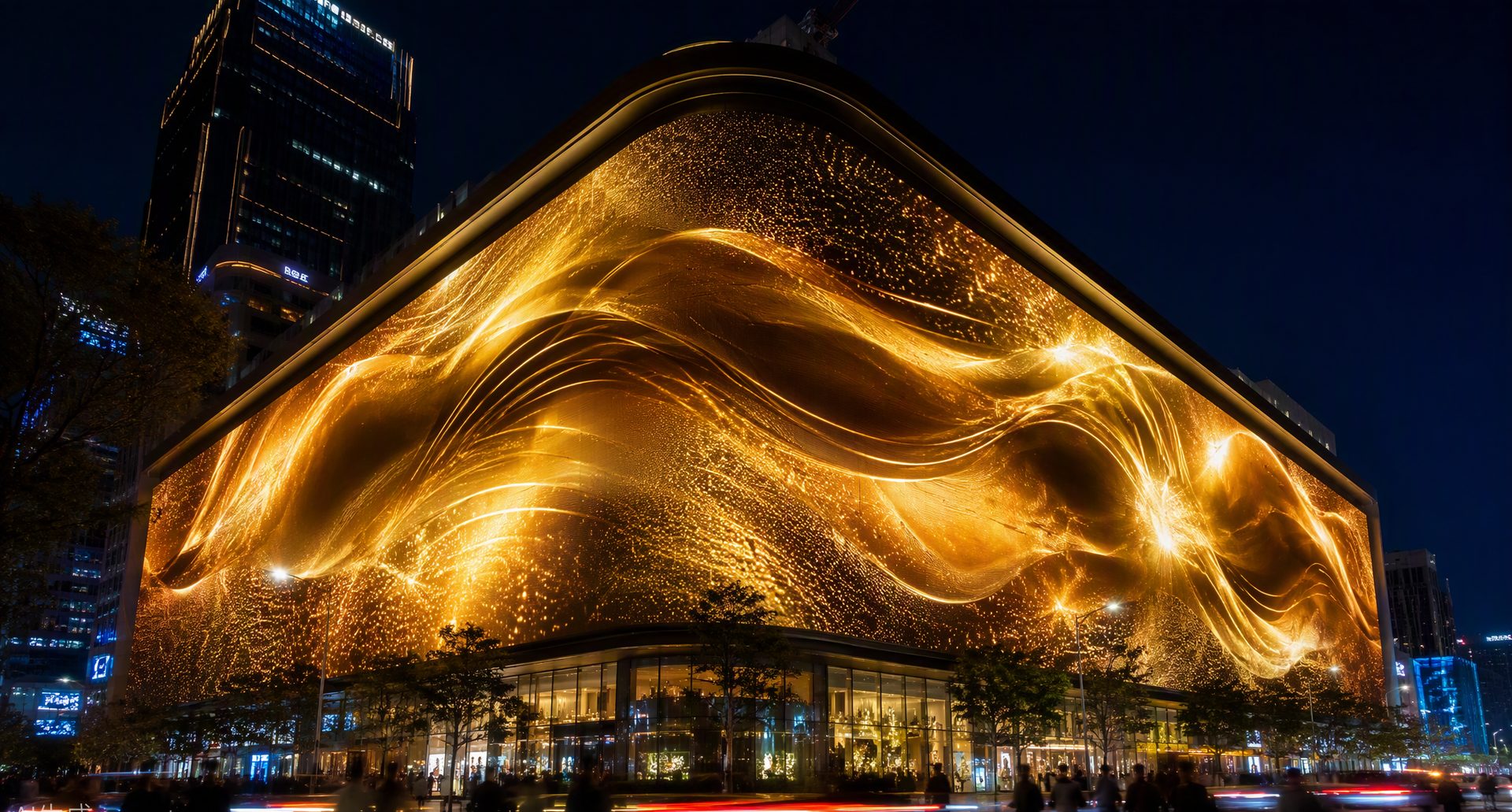
Illustrative digital display on a busy urban venue
Illustrative display environment; no deployment or performance claim.

Audience to opportunity

Connect your space with its market.

Understand where people move, where they pause, and how screens participate in the experience. Use measured activity to inform campaigns and assess media inventory before agreeing a commercial model.

Useful signals begin with the place itself — its people, patterns, and purpose.

01

Understand your audience

Measure aggregate foot traffic, dwell time, queues, and movement by zone and time of day. Use patterns to inform layout, staffing, and visitor experience.

02

Measure campaign engagement

Evaluate attention and engagement around screens and activations. Give marketing teams a consistent view across placements and operating periods.

03

Develop media opportunities

Assess digital displays and suitable programmatic integrations. Align inventory, audience demand, costs, and reporting before choosing a commercial model.

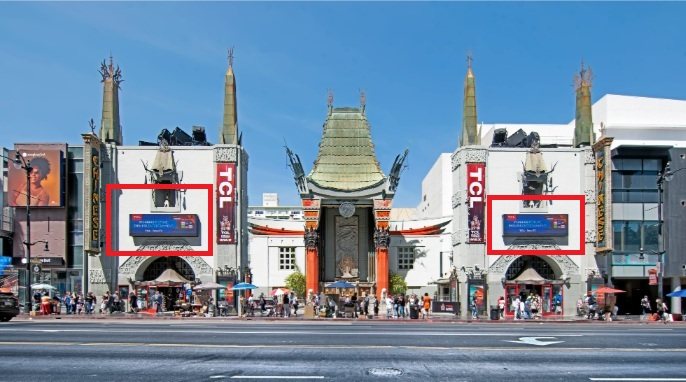
Client-provided venue references for audience and media applications.

Explore audience intelligence & marketing →

Commercial value is modeled for each site; it depends on display inventory, audience, advertiser demand, and deployment costs. Audience reporting and approved data uses are defined for the application.

Applications across sectors

Different environments.
Connected capabilities.

Bring the right balance of security, operational insight, and audience understanding to the setting in front of you.

01

Venues & events

Monitor entrances and crowd movement while measuring audience engagement and exploring sponsor and display opportunities.

Security + audiences
02

Retail & hospitality

Combine security awareness with queue, foot-traffic, and dwell-time insights to inform staffing, experience, and campaigns.

Operations + marketing
03

Schools & campuses

Support campus safety through configured threat alerts, access awareness, and monitoring of designated areas.

People + places
04

Infrastructure

Connect perimeter, access, and interior monitoring across critical facilities — with data centers as one specialized example.

Configured by site

Perimeter & 24/7 site monitoring

Protect your site,
outside and inside.

Support security teams across facilities, campuses, venues, industrial sites, and properties. Connect boundary, access, and interior monitoring with camera evidence and context for response.

01

Perimeter & access

Monitor boundaries, gates, and approaches for potential intrusion, unusual movement, and tailgating. Connect compatible access and sensor data where useful.

02

Interior & critical zones

Review restricted-zone entry and unusual activity in covered corridors, equipment areas, service spaces, and other sensitive locations.

03

Construction to operations

Adapt monitoring as temporary gates and contractor work areas become operating facilities. Support worker access and evaluate person-down or physical-hazard alerts for site conditions.

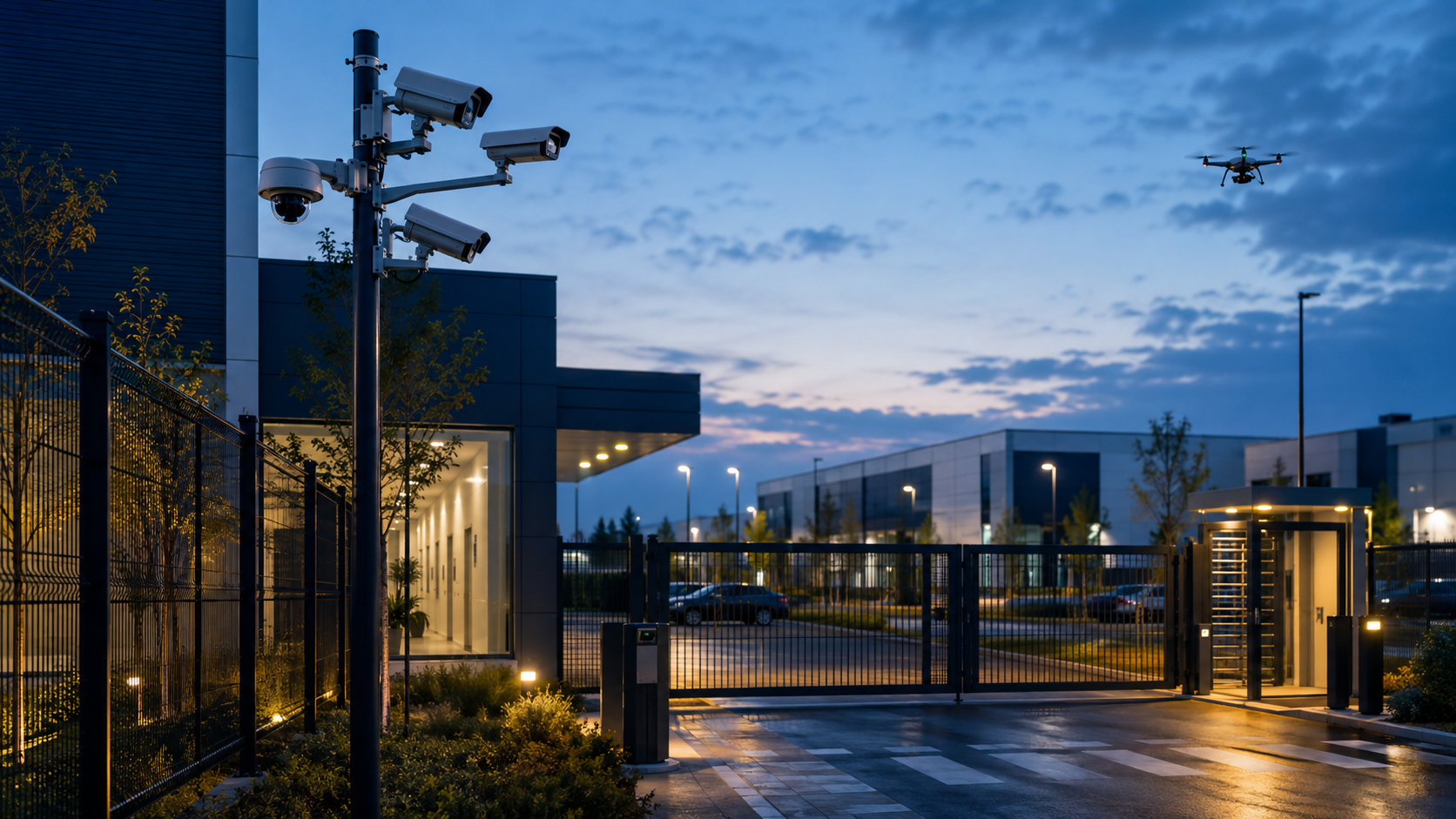
Illustrative perimeter with cameras, controlled access and optional drone
Illustrative security concept. Camera, sensor and drone integrations are scoped for each site.

Explore security & site protection →

A site changes over time

Keep the operating picture current.

Construction teams, contractors, operators, and visitors move through different risk profiles. Define zones, permissions, response ownership, and data handling as the environment changes.

Explore operational intelligence
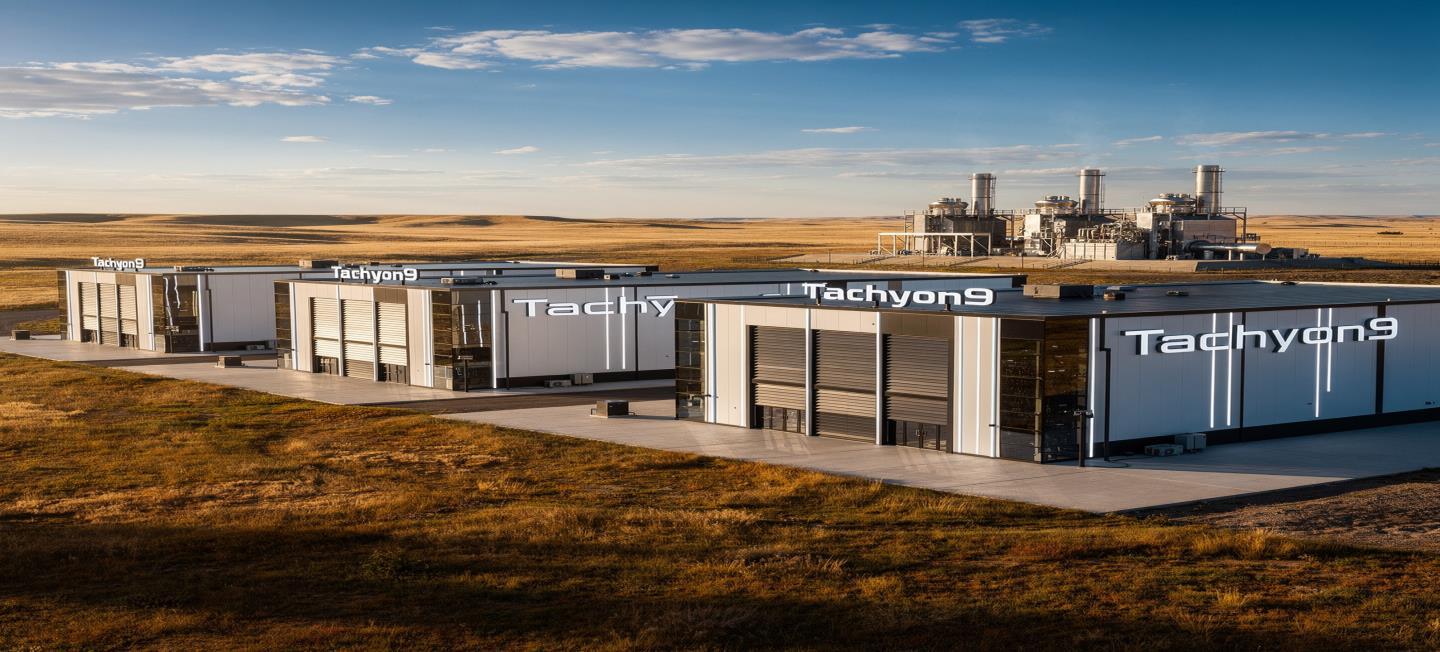
Conceptual Tachyon9-branded data center campus rendering
Concept image from supplied GoldenAI/Tachyon9 materials; not a deployment photograph.

Specialized example

Hyperscale data centers

Apply the same perimeter-to-interior approach to high-value infrastructure: from construction access and contractor work zones to data halls, cooling areas, and operational personnel.

  • Construction access and temporary work zones
  • Perimeter, gate, and restricted-area workflows
  • Interior monitoring for designated critical spaces

Explore the data center application →

24/7 describes the intended AI monitoring operation supporting the site's security team. Coverage, use cases, availability, staffing, data handling, and response responsibilities are configured and agreed for each deployment. Optional drone and sensor integrations depend on site scope.

Explore GoldenAI

Go deeper into
each area.

Deployment process

From assessment
to operation.

A structured rollout around your environment, infrastructure, and priorities, with clear scope for security, operational, and audience use cases.

  1. 01

    Assess & map

    Map camera and display inventory, security needs, visitor flows, and commercial objectives. Define use cases, data handling, and reporting.

    Objectives + site
  2. 02

    Configure & pilot

    Integrate selected cameras, displays, and systems. Calibrate agreed scenarios and validate security and audience-measurement workflows.

    Integrate + validate
  3. 03

    Operate & refine

    Activate agreed workflows and reporting. Review security events, operating insights, and campaign performance as objectives change.

    Workflows + review

Start with the site

Discover what your space
can do.

Tell us about your environment and goals. Explore security coverage, operational insight, audience measurement, and media opportunities with GoldenAI.

Request a site assessment